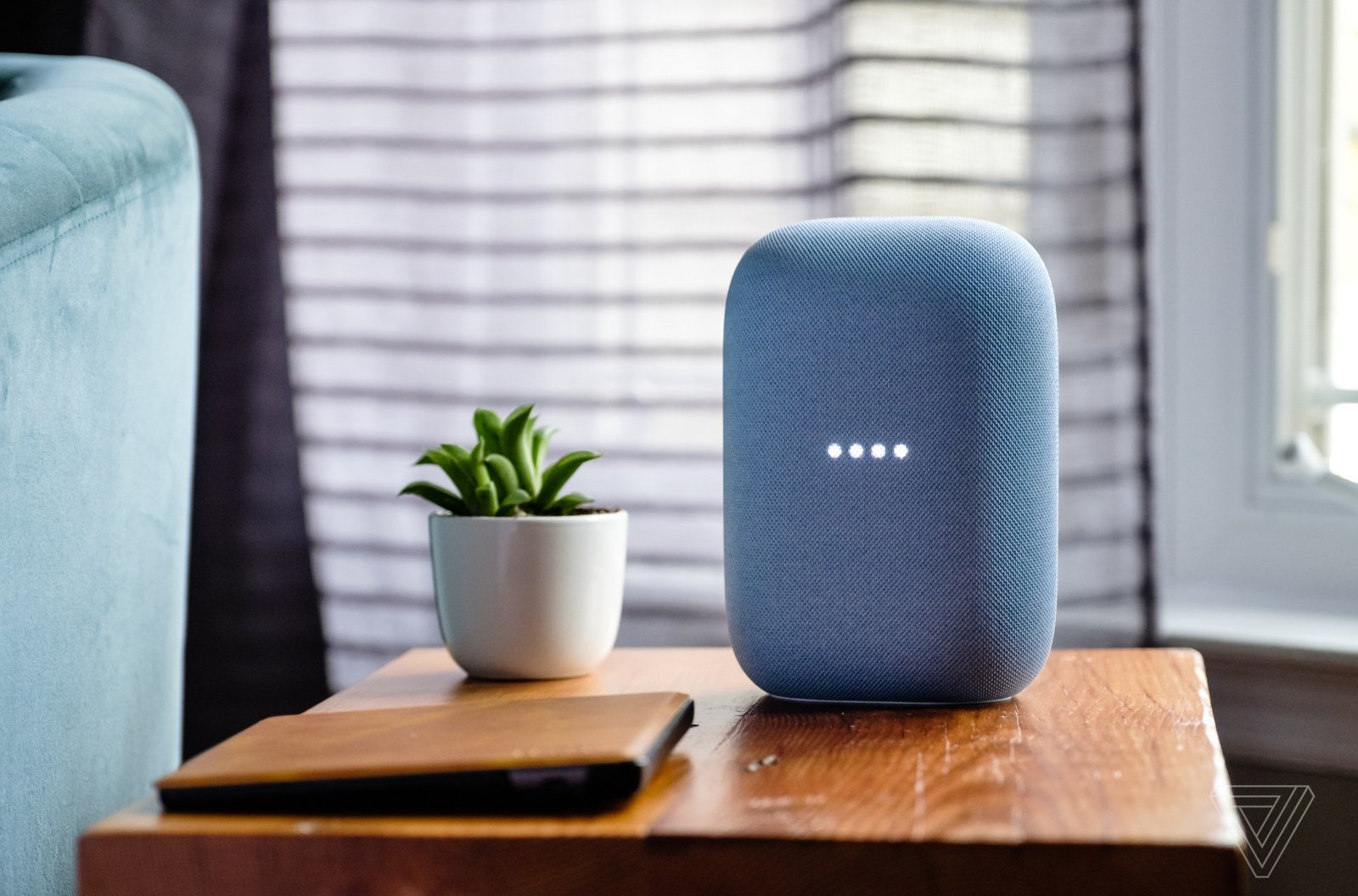
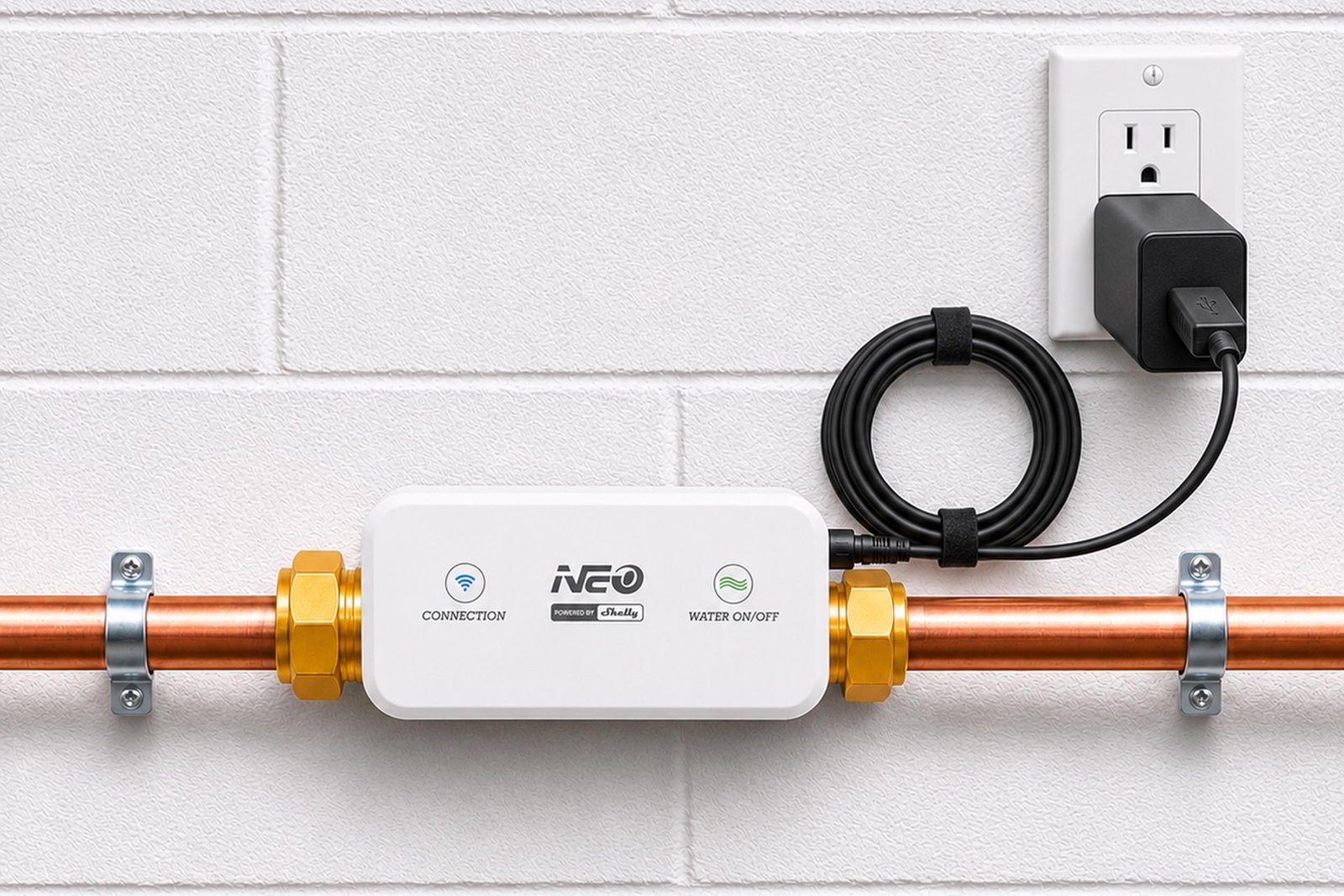
Recent reporting from The Verge reveals that Apple has delayed its motorized tabletop smart home robot until 2028 while refining software features like camera tracking FaceTime calls and local lighting controls. While consumer electronics brands spend years tuning robotic arms and desktop screen actuators, property owners already deal with practical hardware hurdles when deploying interactive smart displays. A dependable smart home robot setup in Singapore requires far more than placing a powered device on an open coffee table. Dense residential apartments and commercial properties present physical concrete obstacles, radio frequency crowding, and power supply challenges that standard retail guides overlook.
Planning a Smart Home Robot Setup in Singapore: Physical Concrete and Radio Crowding
Most residential apartments and office units in Singapore rely on thick reinforced concrete shear walls, precast structural columns, and enclosed household shelters. These dense building materials absorb wireless signals quickly. A smart home robot setup in Singapore often struggles when communicating with distant smart plugs, motorized blinds, and wall switches if the central controller sits behind a load-bearing partition. In dense housing estates, a typical living room also detects dozens of competing 2.4GHz Wi-Fi networks from neighboring units, causing severe packet collisions and sluggish response times.
To keep interactive robotic hubs responsive, experienced technicians recommend establishing a dedicated 2.4GHz IoT network separated from standard 5GHz devices. Placing a Matter and Thread border router in a central, unobstructed hallway ensures line of sight communication across living and dining zones. Backhauling wireless access points through solid copper Cat6 cabling prevents the latency spikes that interrupt real-time camera tracking and voice commands. Stable local network architecture allows automated routines to execute on-site without waiting for external server round-trips.
Clean Power Routing and Workmanship in Local Interiors
Tabletop robotic controllers and swiveling display hubs require continuous electrical power. In local properties, wall sockets use standard 86-type faceplates placed near the baseboards. Running exposed power cords across marble floors, quartz countertops, or display credenzas creates unsightly clutter and tripping hazards. Motorized display arms also exert mechanical torque during continuous panning, meaning lightweight hubs slide out of alignment if cables pull tight against the base.
Professional installers solve this by integrating recessed power outlets or feeding low-voltage DC lines through neat wall trunking directly behind furniture. Where desktop hubs sit on kitchen islands or conference tables, pulling concealed Cat6 cabling with an inline Power over Ethernet (PoE) splitter delivers steady power without bulky AC transformer blocks. For properties that combine interactive controllers with wider surveillance system integration, technicians route dedicated communication lines so that tabletop cameras feed directly into local network video recorders while preserving physical lens privacy shutters when occupants are home.
Isolating Automation Networks from General Office and Home Traffic
Any interactive hub equipped with optical tracking cameras and microphones introduces distinct network exposure points. Placing an intelligent tabletop controller on the same flat local area network as office workstations, network-attached storage servers, or guest mobile phones creates unnecessary operational risk. If an unmanaged IoT sensor encounters an exploit, compromised traffic could circulate across internal file shares.
A resilient smart home robot setup in Singapore relies on virtual local area network (VLAN) segmentation. Network administrators map smart controllers, IP intercoms, and IoT hubs to an isolated subnet with strict access control lists on the main gateway router. The hub communicates locally with paired smart switches while blocking unauthorized inbound connections from external public endpoints. Deploying managed switches and commercial routers from Synoviz commercial and residential network solutions guarantees that automation commands stay fast while corporate records and personal devices remain protected behind physical firewalls.
Professional Deployment and Preventive Hardware Maintenance
Planning an automated space requires systematic site inspection rather than unguided consumer installation. Technicians assess concrete wall thickness, measure radio frequency noise floors, map out cable pathways, and terminate patch panels with clean workmanship. Proper cabling runs avoid sharp bends and heat build-up behind electrical enclosures, ensuring long-term hardware reliability in warm tropical climates.
Scheduled preventive maintenance keeps smart spaces running smoothly over multiple years. Periodic health checks verify that wireless channels stay clear of newly activated neighboring interference, power splitters maintain stable output voltages, and local Thread mesh routes update correctly after adding new wall sensors. When hardware connections remain clean and organized, upgrading to future robotic displays or next-generation smart controllers becomes a straightforward hardware swap.
Getting your physical cabling and network infrastructure right ensures that upcoming smart home robot displays and local controllers operate reliably. For customized structured cabling, IoT network isolation, or smart display deployment, contact the Synoviz WhatsApp at +65 8933 1660 or email sales@synoviz.com to schedule an on-site consultation.