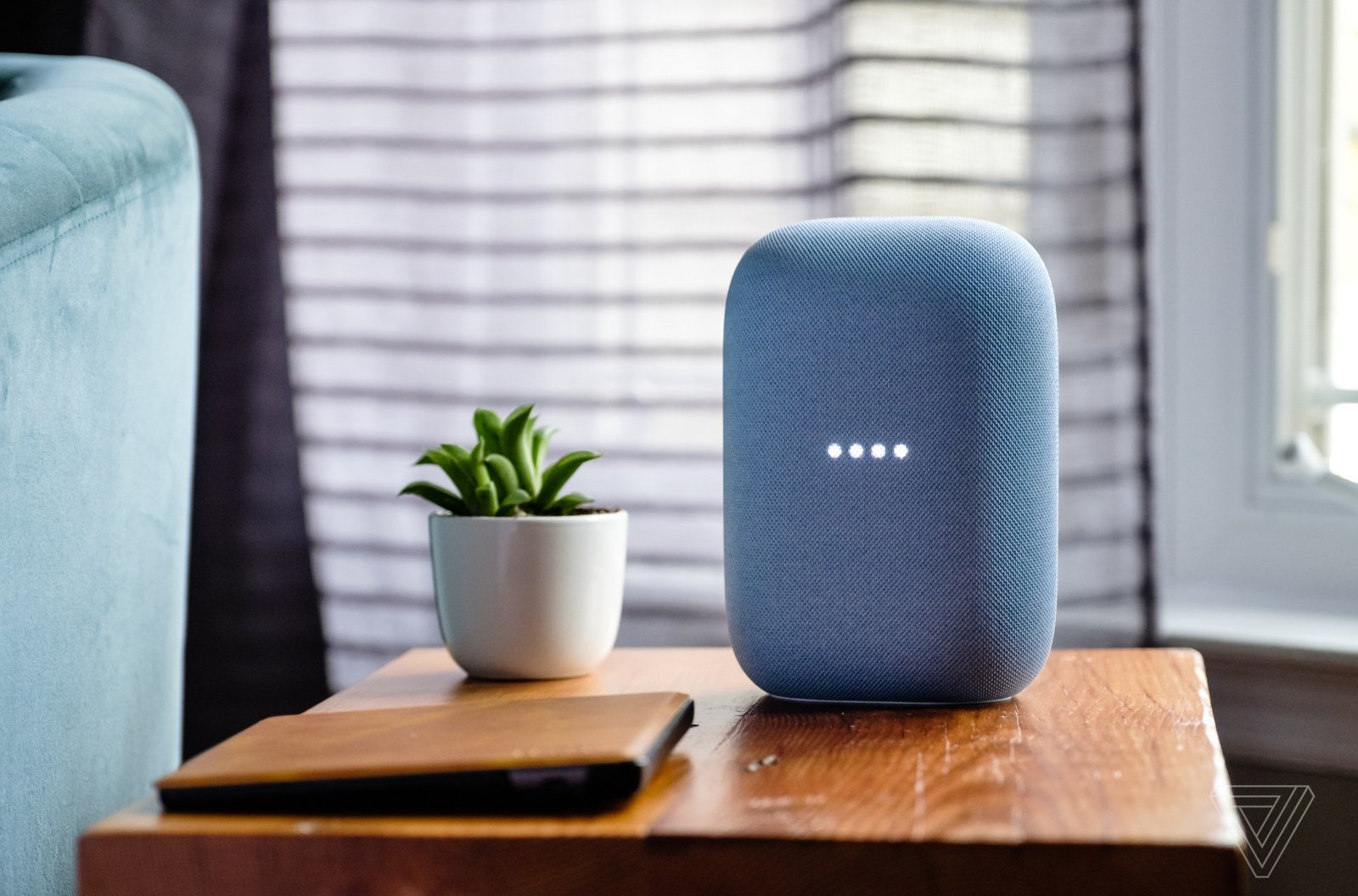
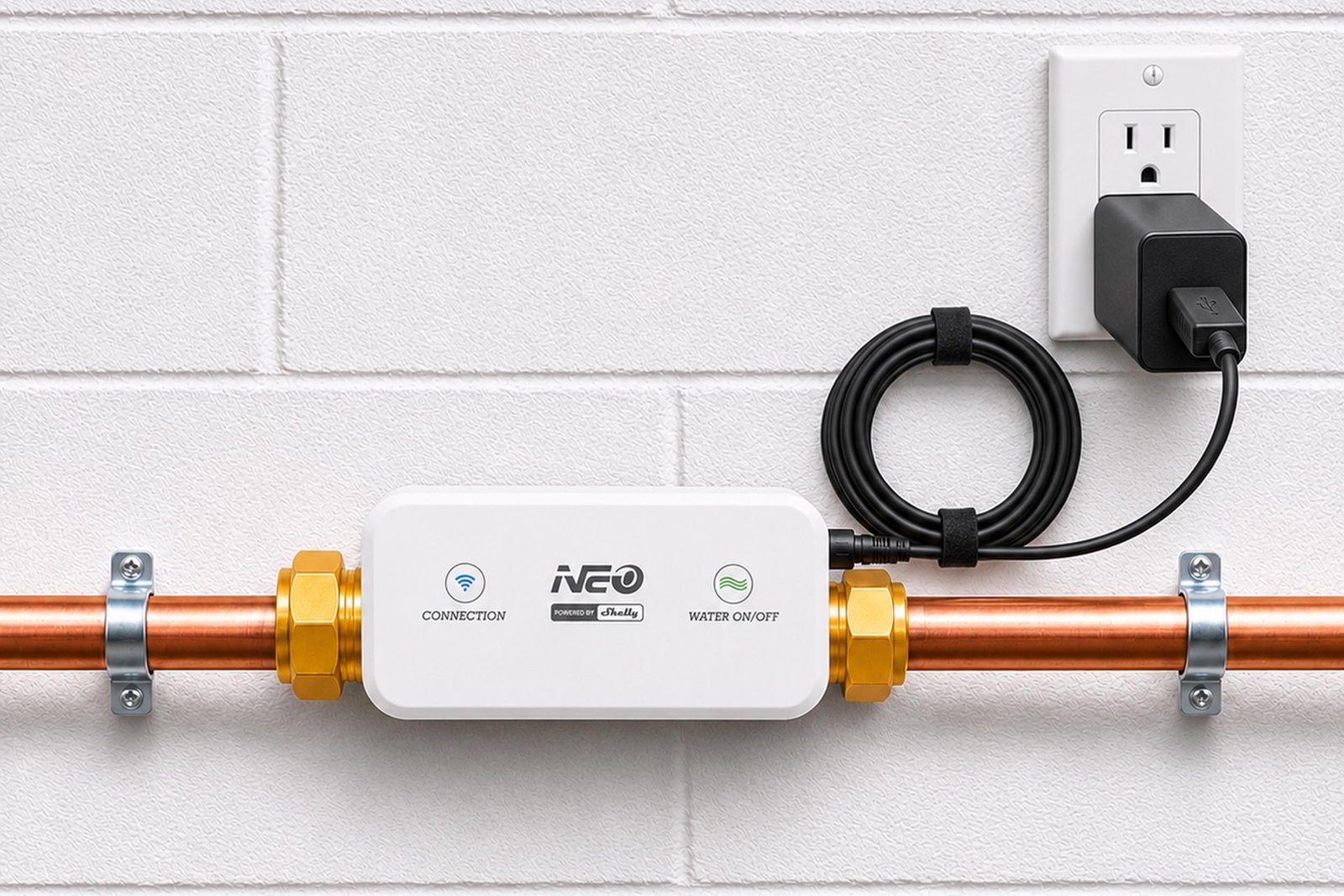
Smart home automation in Singapore is shifting toward central wall consoles that handle intercom calls, lighting schedules, and air conditioning controls. In high-density apartments, condominiums, and multi-story cluster houses, homeowners often struggle with clunky voice assistants that misunderstand colloquial phrasing or drop connection across reinforced concrete walls. Planning a proper smart home hub setup in Singapore requires examining how next-generation smart displays handle local voice processing, network connectivity, and wall cabling.
Recent details uncovered in the iOS 27.3 beta, reported by The Verge, reveal that Apple is preparing support for third-party conversational AI chatbots like ChatGPT and Claude on its upcoming smart home hub, known internally as HomeView. Beyond conversational interfaces, the update references bidirectional audio routing, session management, and physical security measures such as anti-spoofing protection with escalating lockout periods. Deploying an AI-enabled command screen in a local property calls for careful planning around mounting locations, electrical cabling, and Wi-Fi stability.
Mounting Locations and Wall Cabling Considerations
Central consoles deliver the most utility when installed along primary walking paths, such as the transition wall between the living room and open-concept kitchen, or right beside the entryway foyer. However, Singapore homes commonly feature solid brickwork, pre-cast concrete walls, or interior drywall partitions. Unlike timber-framed overseas homes where hollow stud cavities allow easy cable drops, concrete surfaces require surface-mounted mini trunking or pre-planned conduit channels to hide low-voltage power lines.
HomeView hubs operate as always-on touchscreens and cannot rely solely on internal rechargeable cells. They need a continuous 12V or 5V low-voltage direct current line. Running exposed transformer cords down a painted feature wall ruins interior aesthetics and risks snagging doors or furniture. Professional technicians run concealed micro-cables behind skirting boards or tap into nearby switch boxes using dedicated low-voltage step-down modules. Property owners looking for neat cable management can review our structured wiring approaches through Synoviz cabling and installation services.
Audio Routing and Acoustic Placement for Smart Home Hub Setup in Singapore
The iOS 27.3 beta highlights bidirectional audio routing, enabling the smart home display to stream voice queries to remote ceiling speakers while capturing microphone inputs from across the room. In Singapore, living spaces frequently combine marble or polished porcelain tile flooring with floor-to-ceiling glass balcony doors. These hard reflective surfaces bounce ambient sound waves, creating acoustic reverberation that interferes with far-field microphone arrays.
Placing the controller directly under a ceiling fan or next to a high-output split-unit air conditioner introduces continuous background motor drone that degrades speech recognition accuracy. Experienced technicians position the hub at chest height on an acoustic-friendly wall, away from direct airflow channels. When linking the hub to multi-room sound systems or digital door intercoms, calibrating microphone sensitivity zones prevents false activations caused by outdoor traffic noise along expressways or corridor footsteps outside.
Network Stability and Anti-Spoofing Security Architecture
Running conversational AI models and live camera feeds requires low latency and steady wireless throughput. High-rise residential towers in Singapore suffer from severe 2.4GHz and 5GHz radio congestion, where dozens of neighboring routers broadcast on overlapping channels. If a central hub drops off the network during an automation routine, tied door locks, motorized curtains, and CCTV alerts fail to execute on time.
To prevent wireless bottlenecks, configure the smart hub on an isolated local IoT network with dedicated bandwidth allocation. Apple has also introduced anti-spoofing protection into the HomeView software, requiring user authentication via a registered personal iPhone after three unsuccessful attempts, followed by timed lockouts lasting up to eight hours. For businesses and shared spaces where multiple staff or family members interact with the screen, having a structured network architecture prevents unintended access lockouts. For enterprise offices and large landed homes requiring synchronized system design, our team configures scalable infrastructure through commercial security and IoT solutions.
Professional System Integration and Support
Setting up a modern touch console brings together mechanical mounting, low-voltage electrical work, and local network calibration. If you are preparing your residence or business premises for next-generation automation and need practical assistance with hardware placement, clean conduit trunking, or wireless optimization, contact the Synoviz WhatsApp at +65 8933 1660 or email sales@synoviz.com.