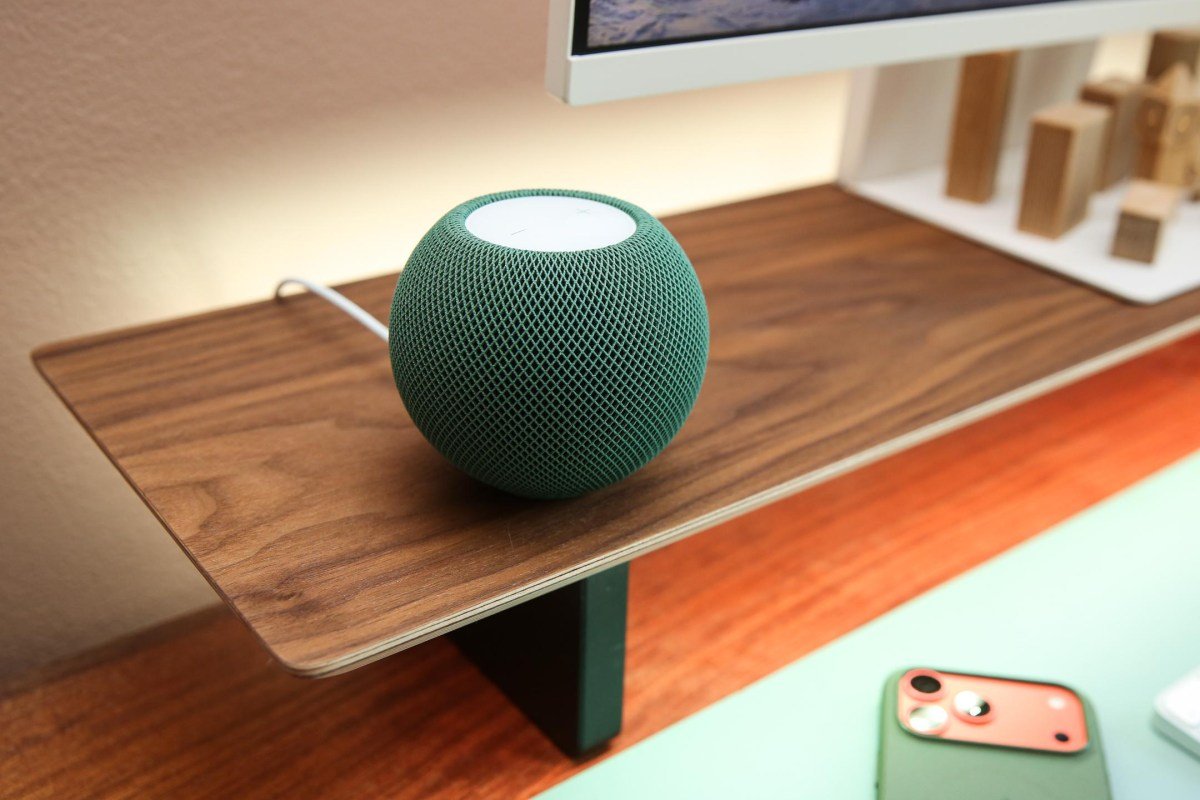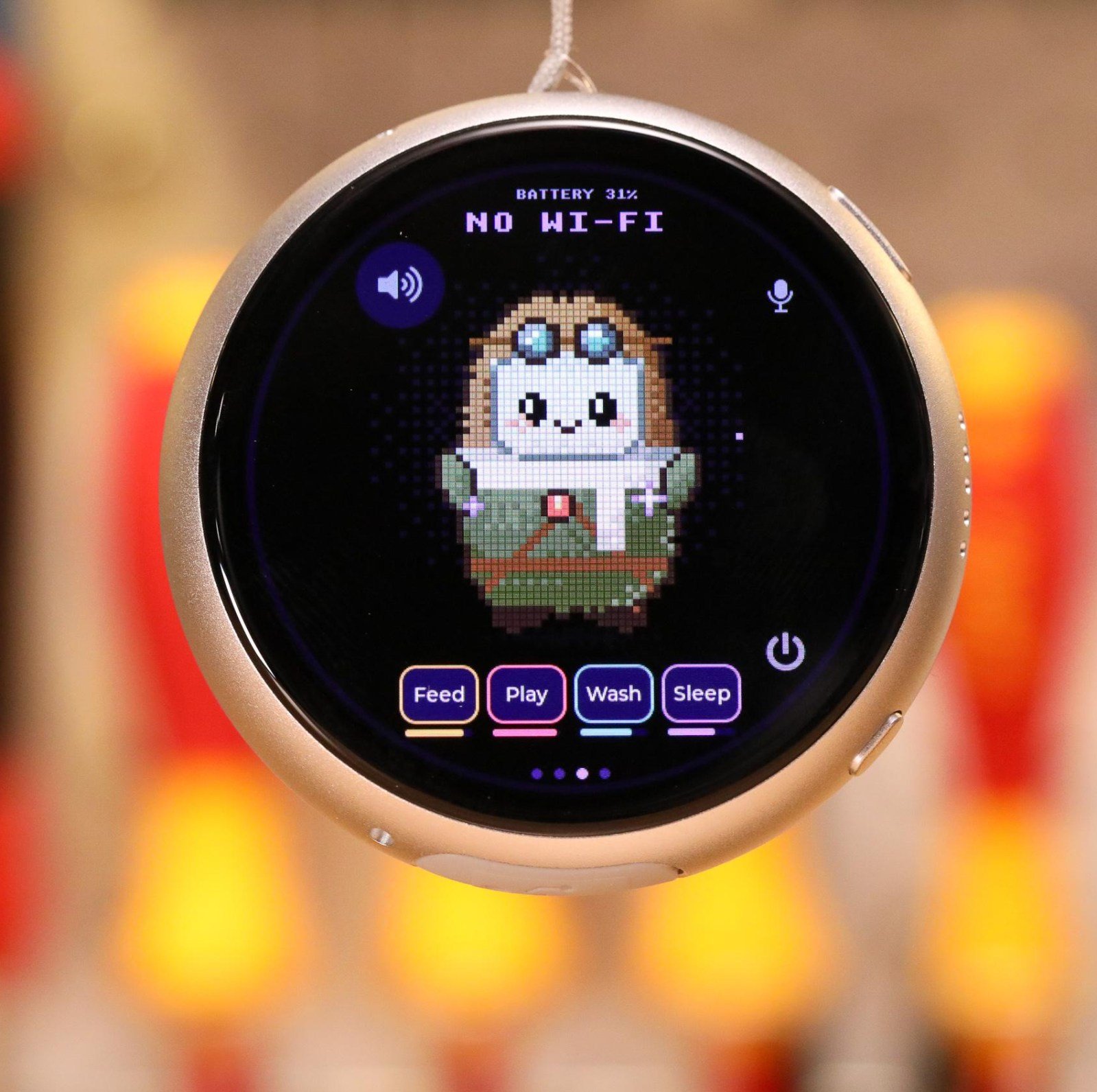
Planning a reliable smart home controller installation in Singapore allows property owners to run automated devices without depending entirely on external cloud servers. As highlighted in recent coverage on The Verge experimenting with custom microcontroller pendants and push-to-talk interfaces, moving processing closer to the device gives users faster response times and direct command over local relays. In dense urban buildings, setting up dedicated wall controllers or local hub endpoints provides a central point where lighting, motorized blinds, intercoms, and climate controls execute commands instantly.
Selecting Hardware for Smart Home Controller Installation in Singapore
Commercial smart controllers range from compact bedside panels to wall-mounted touch displays and programmable micro-hubs. While hobbyist setups frequently rely on low-power ESP32 devkits with tiny OLED screens, permanent commercial and residential systems require sturdier hardware. Wall units must run cool during continuous operation and support clean low-voltage DC power. In local offices and condominiums, controllers typically mount directly over standard 86-type switch boxes or sit inside central equipment racks.
A major design factor involves deciding how much processing stays on the local network versus the cloud. Proprietary voice hubs often route every single sensor ping and audio clip through distant offshore data centers. When broadband links drop during fiber maintenance, basic wall switches and automation rules can freeze. Modern controller installations favor local protocol processing using Zigbee, Matter, or Thread gateways connected directly to your wired LAN. This architecture guarantees that door sensors, occupancy detectors, and lighting circuits continue functioning even during external ISP outages.
Cabling, Power Supplies, and Concrete Wall Challenges
Singapore properties present severe radio frequency hurdles because interior layouts rely heavily on thick reinforced concrete bearing walls and solid metal bomb shelter doors. High-frequency wireless signals drop off rapidly after passing through just one or two dense partitions. If a standalone smart hub sits in a far corner bedroom, perimeter window sensors and corridor switches will suffer intermittent dropouts. Positioning local controllers at central hallway nodes or routing hardwired repeaters bridges these physical dead zones.
Powering wall-mounted touch controllers requires neat electrical planning. Dangling AC adapter wires down wallpapered or painted drywall creates an unsightly finish and invites accidental disconnects. Our technicians pull structured Cat6 Ethernet cabling through existing conduits or install slimline trunking along baseboards. Using Power-over-Ethernet (PoE) splitters or hiding compact five-volt step-down modules inside wall back boxes delivers steady wattage without exposed transformers. This structured method aligns directly with our dedicated on-site cabling and trunking services, ensuring all cable paths remain concealed and tidy.
Network Isolation and Multi-Protocol Hub Coordination
Every connected controller and peripheral added to a property introduces potential network clutter. Running smart plugs, IP cameras, and touch panels on the same Wi-Fi frequency as family laptops or office workstations invites bandwidth contention. Dense residential estates experience intense 2.4GHz spectrum congestion from dozens of neighboring routers broadcasting on overlapping channels, leading to dropped packets and sluggish button responses.
Addressing this issue involves separating smart gadgets into dedicated virtual local area networks (VLANs) with isolated 2.4GHz SSIDs. Hardwiring your central controller to a gigabit switch keeps communication latency below ten milliseconds. For corporate offices, retail showrooms, and multi-story homes, integrating controllers with our comprehensive integrated smart building solutions unifies door access contacts, CCTV camera popups, and environmental sensors under a single responsive dashboard.
Preventive Maintenance and Firmware Management
Like any computing hardware, smart home controllers need periodic maintenance to operate reliably year after year. Tropical heat and high humidity can affect passive cooling inside shallow wall enclosures. Scheduled maintenance includes cleaning dust from chassis ventilation slots, verifying DC power supply voltage levels, and reviewing local gateway error logs to identify battery-depleted perimeter sensors before they fall offline.
Technicians also manage firmware upgrades in a controlled manner, testing protocol patches on secondary nodes before applying them across main switch circuits. This careful approach prevents automation routines from breaking after vendor firmware releases. To discuss layout requirements for your home or commercial workspace, contact the Synoviz WhatsApp at +65 8933 1660 or email sales@synoviz.com to arrange a site survey and technical consultation.