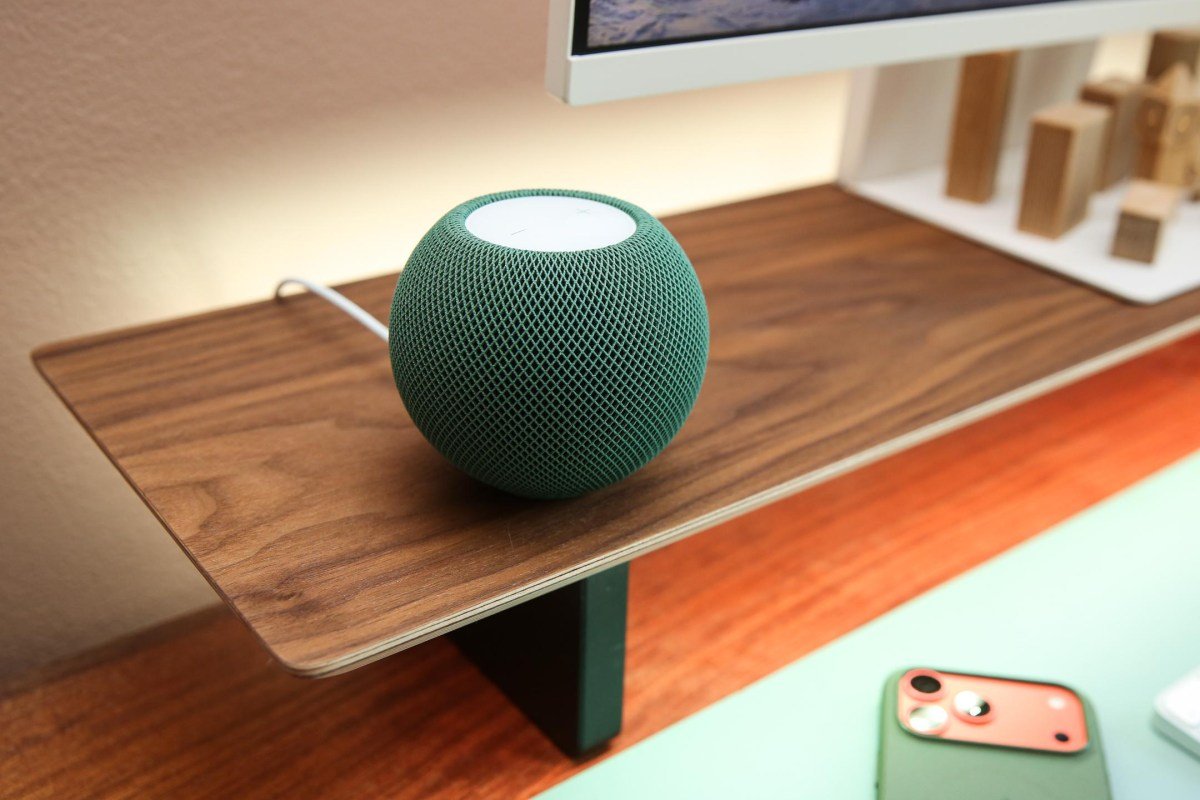
A proper smart home camera installation in Singapore requires more than placing a tabletop screen on a shelf. Recent analysis from The Verge on HomeView camera code shows that consumer tech manufacturers plan to convert smart home control hubs into active surveillance cameras with motion detection, live streaming, and local storage. When a smart touch display doubles as a security camera, placing it at the right vantage point becomes a technical job rather than an interior design choice.
In local shophouses, corporate meeting rooms, and residential apartments, smart displays work best when mounted permanently on walls near entryways. However, mounting these interactive screens introduces practical power, cabling, and network privacy challenges that battery gadgets cannot solve.
Wiring Protocols for Smart Home Camera Installation in Singapore
Most consumer display hubs ship with standard desktop power bricks. Leaving dangling power cords running down a wall to a floor socket looks untidy and creates an accidental unplugging hazard in commercial offices. For a clean finish, technicians replace standard 86-type light switch boxes with recessed gang boxes or route cabling behind gypsum partition boards.
Whenever practical, running structured Cat6 network cabling to the mounting location provides the most dependable backhaul. By pairing a Cat6 cable with a Power over Ethernet (PoE) splitter hidden inside a recessed wall cavity, you supply continuous 5V or 12V direct current directly to the display without needing a bulky AC wall adapter nearby. At the same time, hardwired connections remove bandwidth strain from local wireless access points.
Conquering Concrete Walls and Radio Frequency Attenuation
Singapore architecture relies heavily on dense reinforced concrete structural walls and columns. In high-rise apartments and industrial B1 units, these thick masonry barriers attenuate 5GHz and 6GHz wireless frequencies rapidly. If a smart display camera connects over a weak wireless signal through two concrete partitions, live video feeds stutter and motion notifications suffer severe delays.
To avoid dropped frames during video playback, site surveys determine whether an auxiliary ceiling-mounted wireless access point is necessary. Placing access points within direct line of sight of high-traffic cameras maintains signal strength above -65 dBm. Our team at Synoviz routinely plans cable paths through false ceilings and slim PVC trunking to link wall controllers directly back to the central network cabinet.
VLAN Subnetting and Surveillance Privacy Controls
Privacy concerns grow when an internal wall screen records audio and video inside a private office or residence. The discovered firmware strings mention visual indicator lights and chime alerts when camera feeds open, but software settings alone do not stop local network eavesdropping. If staff devices, visitor phones, and security cameras share a flat local subnet, rogue network scans can expose open camera ports.
We configure managed network switches to isolate surveillance hardware onto a dedicated Virtual Local Area Network (VLAN). By applying strict access control lists between the surveillance VLAN and the guest office network, live video streams travel only to designated local viewing consoles and encrypted network video recorders (NVR). For businesses seeking complete peace of mind, exploring proven IP camera deployment practices helps prevent common configuration oversights.
Hardware Mounting and Preventive Maintenance
Wall touchscreens experience physical force every time an employee taps the screen or adjusts an intercom call. Mounting brackets must be anchored securely into concrete masonry using steel sleeve anchors rather than flimsy plastic plugs. Technicians verify level alignment, verify that ventilation cutouts remain unblocked, and check that internal transformers stay cool in tropical ambient room temperatures.
Routine preventive maintenance keeps these dual-purpose hubs running smoothly year after year. Technicians inspect cable terminations, clean optical camera lenses, check PoE switch port voltages, and apply verified firmware patches to protect against hardware vulnerabilities. Investing in professional commercial cabling and hardware installation services ensures your physical hardware and network backhaul remain reliable.
If you need assistance planning a camera deployment, setting up isolated surveillance subnets, or concealing wall cabling in Singapore, contact the Synoviz WhatsApp at +65 8933 1660 or email sales@synoviz.com to discuss practical on-site options.